With the release of the new Terminator: Dark Fate – Defiance Editor & Steam Workshop coming in December, I wanted to give you a preview of what you can expect.
This is the toolset that the game developers have been using to create the maps and missions, as well as adding models into the game.
It allows you to create whole new maps, add in map functionality like spawns, sounds, triggers, and much more. It also enables you to link missions together to create your own 'mini-campaigns'.
This is alongside the introduction of Steam Workshop, allowing maps, missions and mods to be uploaded and shared with other players.
I would like to highlight one thing. The Map / Mission Editor is quite detailed, and to truly get the most out of it, some of the more advanced tasks involve scripting, configuration files and manual setup.
We currently have some of the community modders using it, and I am very interested in seeing what they can produce.
Creating a Map and Mission
Creating a new map starts with setting up a mod within the Editor. The Editor is run from the games Launcher menu.
Once in the Editor, you can create a new landscape, choosing the size of the map and whether to start with a flat surface or use an existing heightmap (for example, choosing a landscape from the game). Once created, you can begin shaping the terrain, raising and lowering areas, creating slopes and painting different terrain textures to build the environment you want.
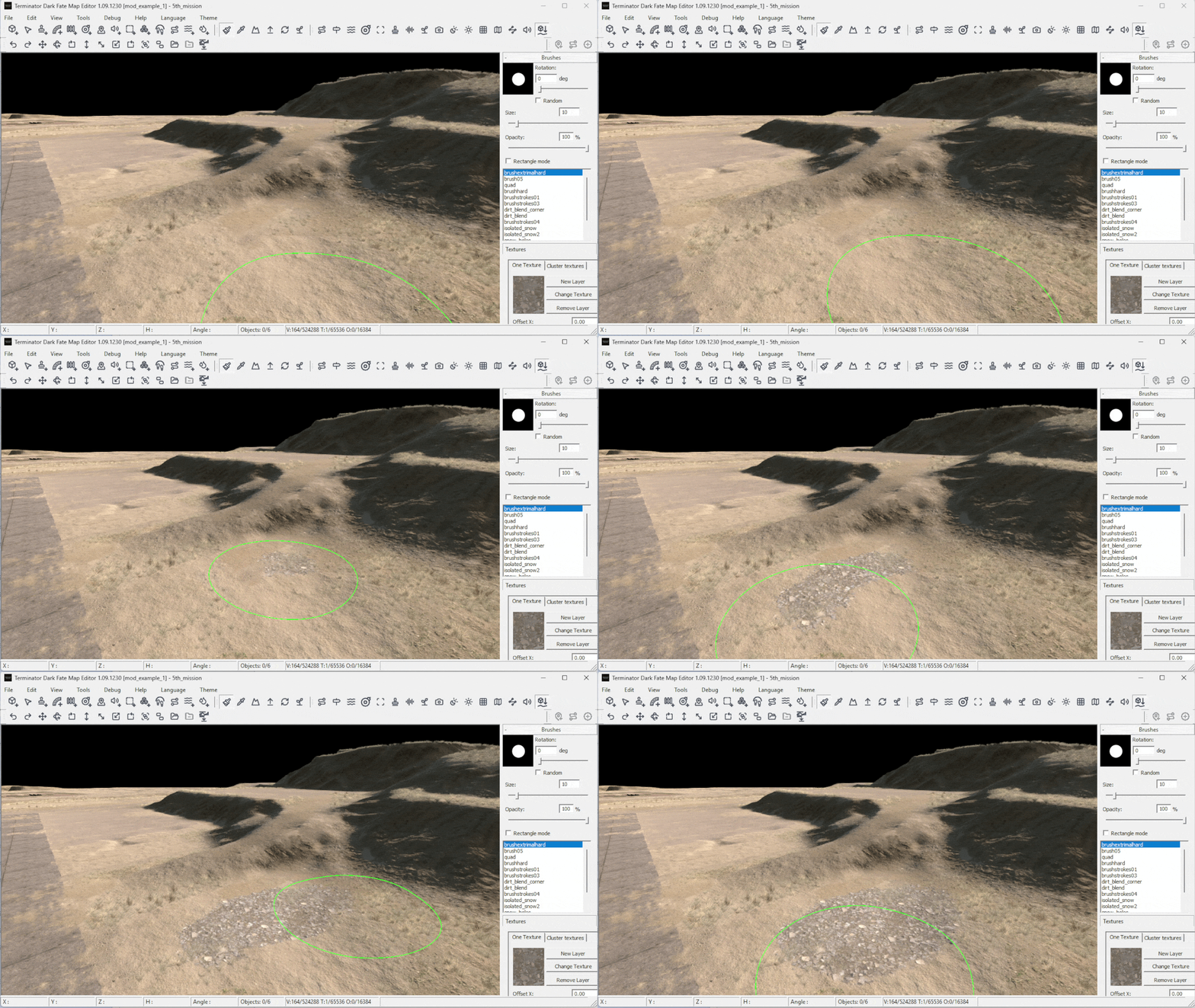 Painting landscape textures
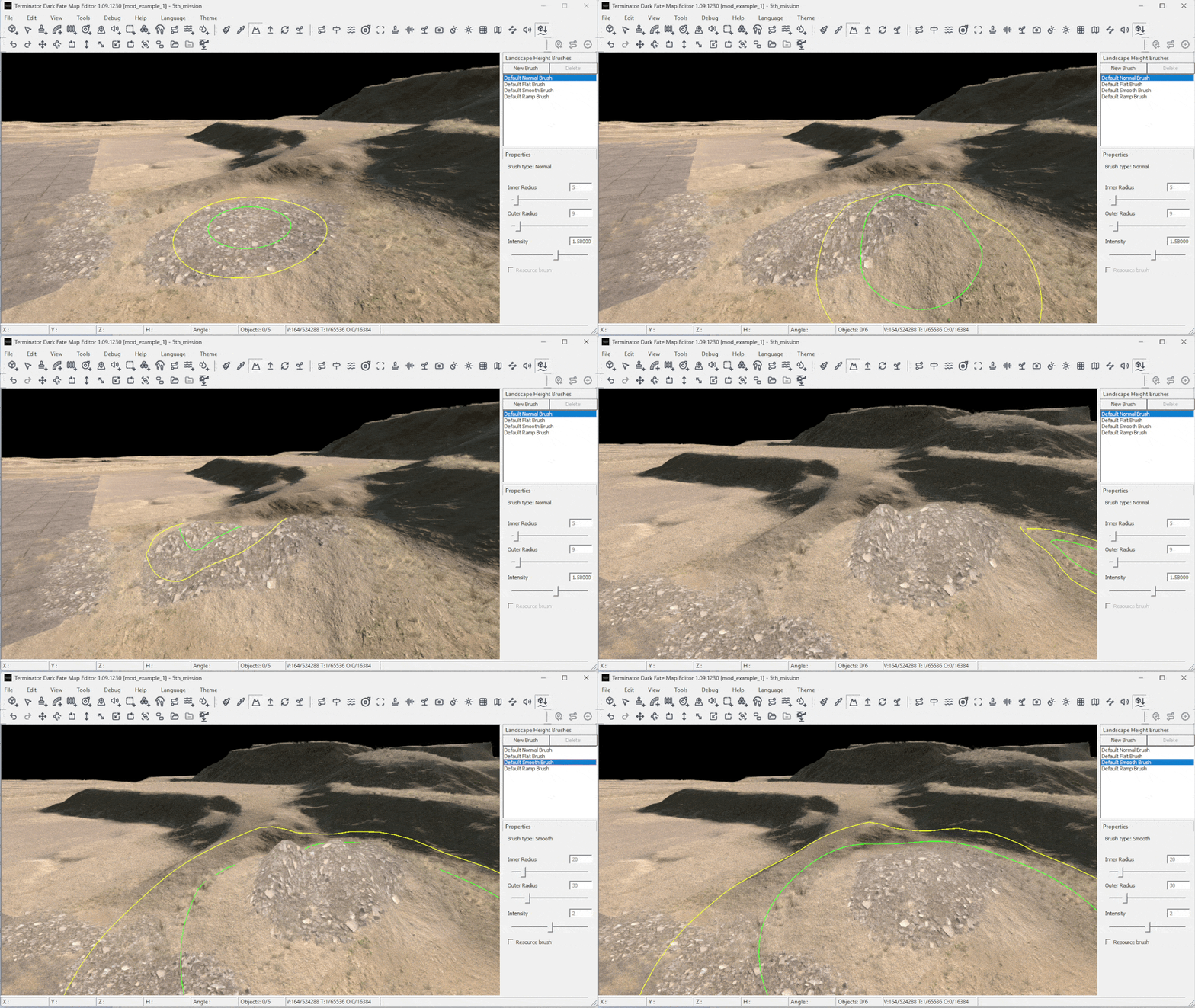 Modeling terrain
The next stage is populating the map. The Editor provides access to the game's existing objects and units, allowing you to place buildings, vegetation, roads, vehicles, infantry and other elements. You can position and rotate these objects, build up the environment and start creating the battlefield that your mission will take place on. You can also add sounds and other environmental details.
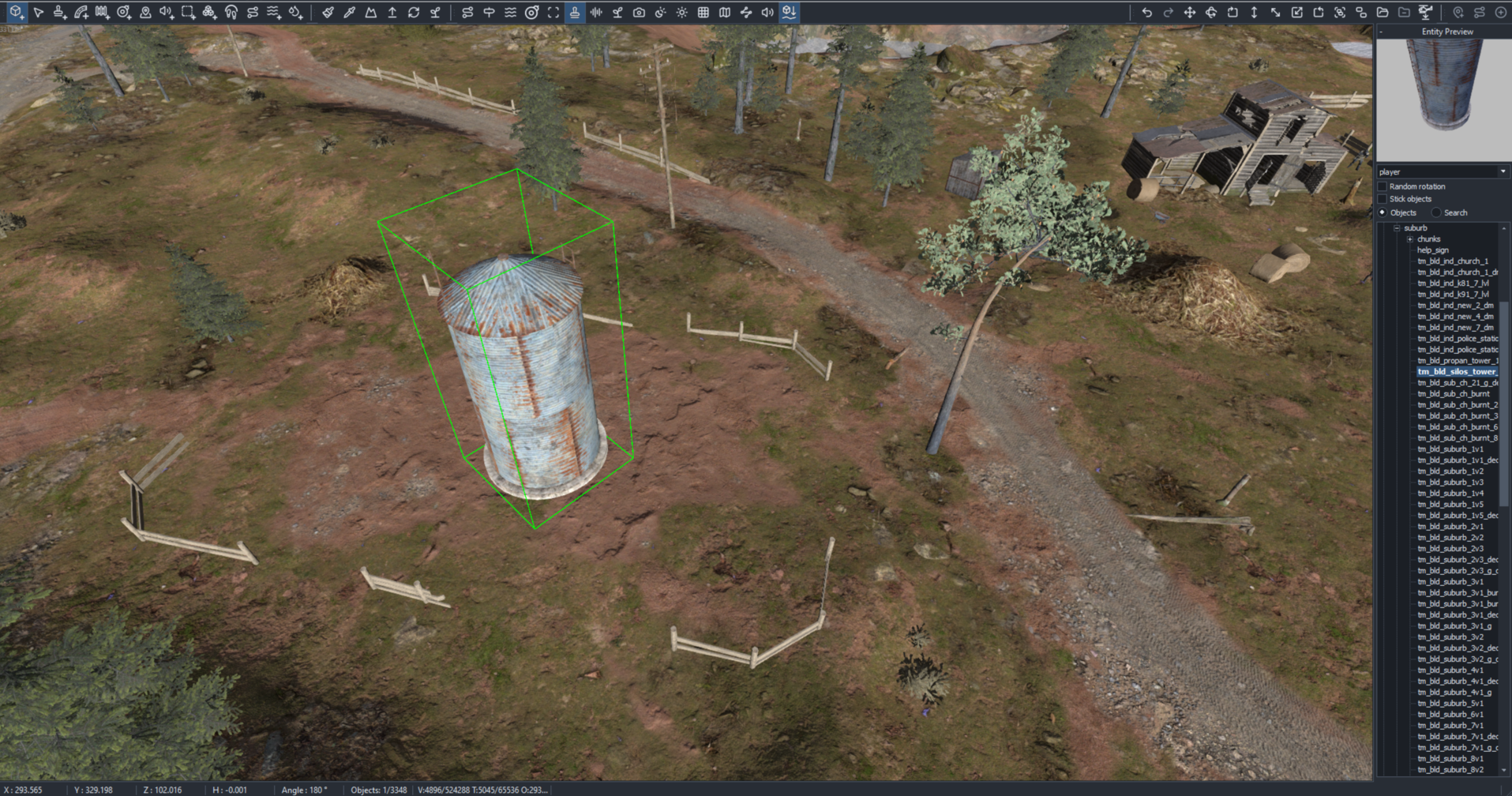 Object placement
Once you have your battlefield, you can begin turning it into a playable mission. This is where the trigger system comes in. Triggers allow you to set up objectives and events that happen during a mission, such as detecting when units enter a particular area, triggering reinforcements, displaying messages or completing mission objectives. There are a large number of actions and conditions available, allowing you to create anything from relatively simple encounters through to much more involved scripted missions.
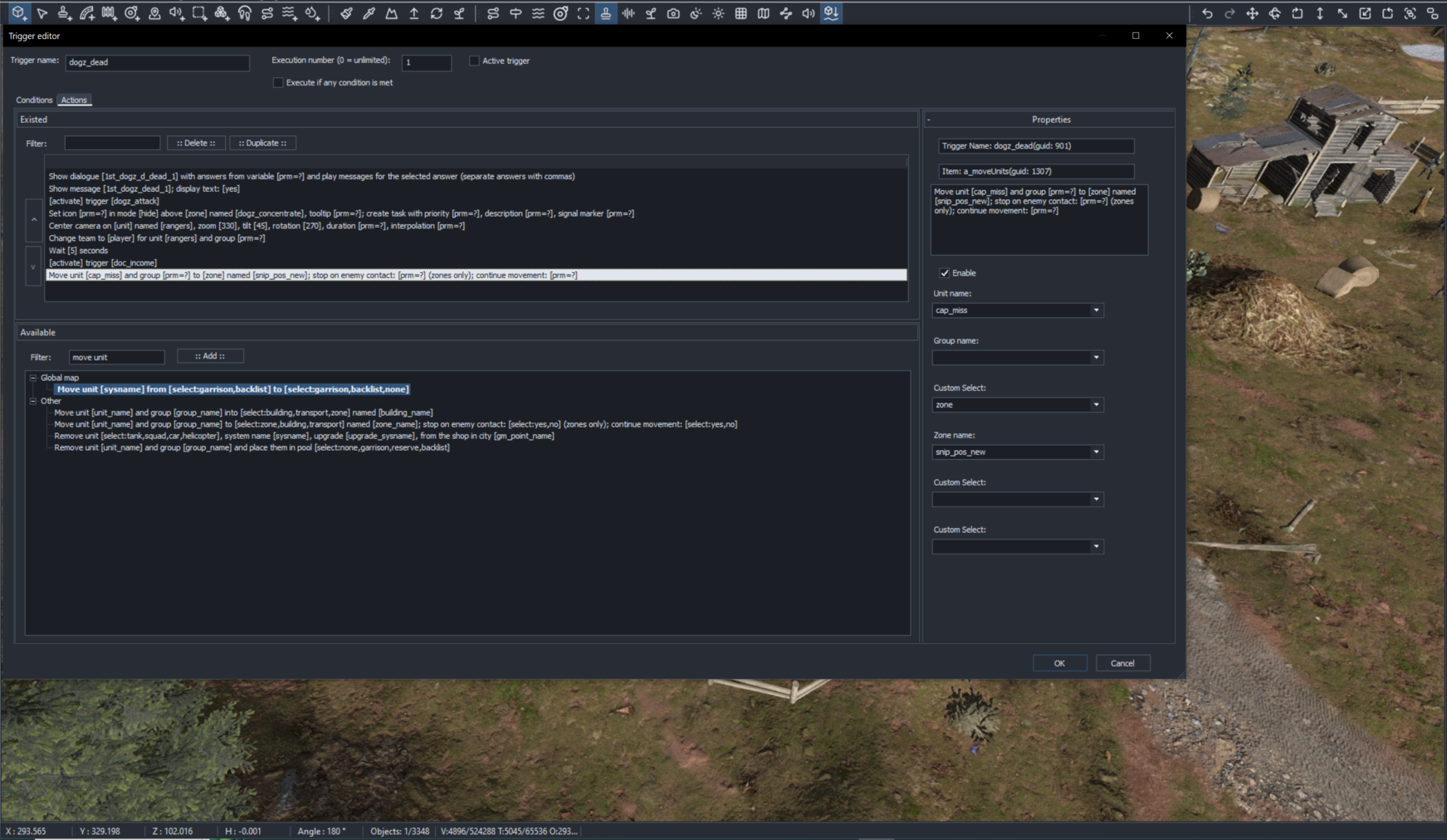 Adding triggers
Finally, you can set up the camera, navigation and other map settings before testing the mission in the game itself. Once you have a working mission, you can go further by linking multiple missions together into a campaign. You can even create a global campaign map, with locations connected by roads, allowing players to move between locations and launch different missions. This gives you the opportunity to create something considerably more involved than a single standalone battle.
Adding Models with the LBox Editor
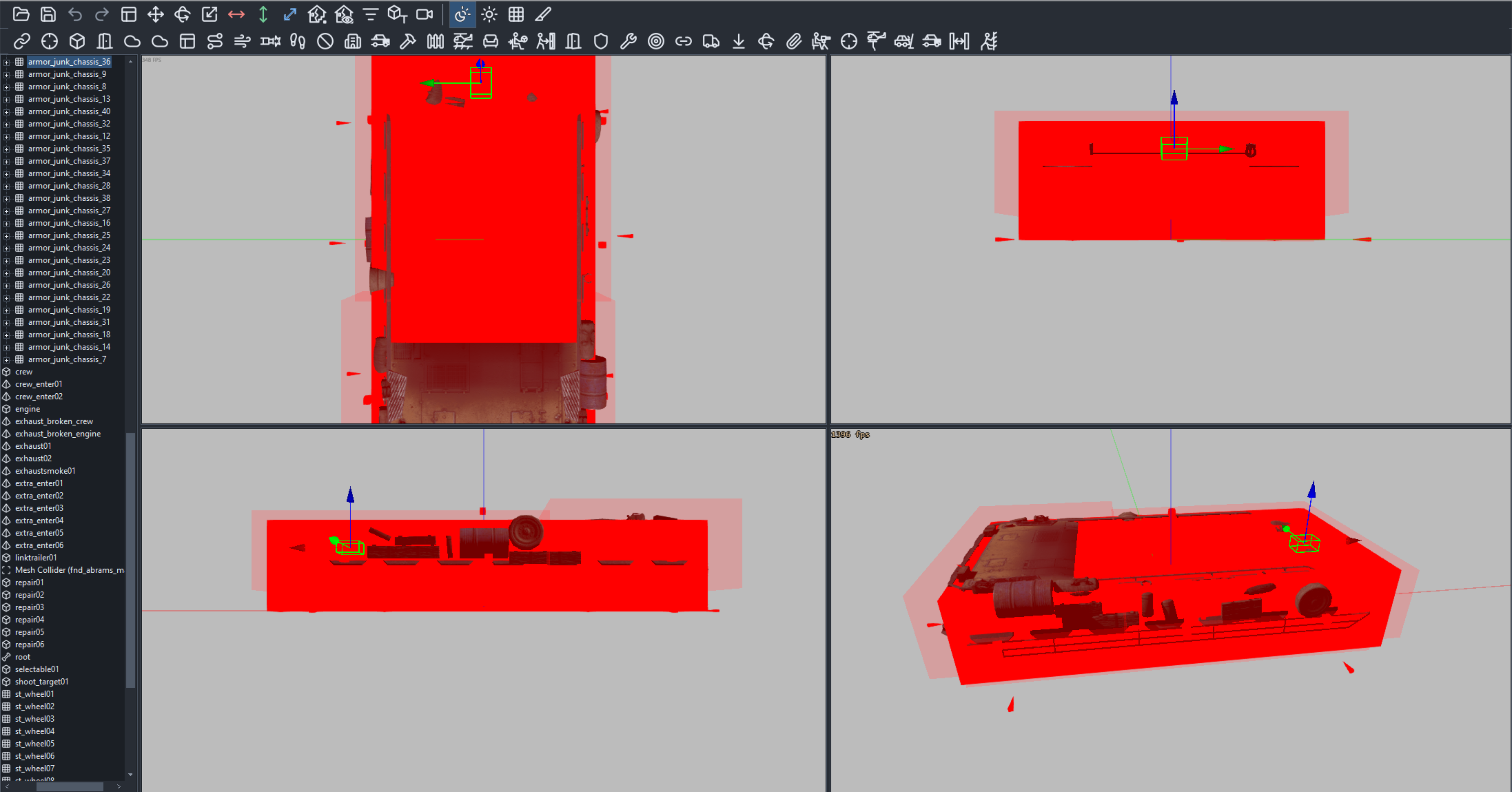 LBox Editor - Editing Desert Abrams Chassis
Alongside the Map Editor, we're also including the LBox Editor, which allows you to work with 3D models and set up additional functionality for use in the game. Running it from the games Launcher, models can be created using packages such as Blender or 3ds Max, with LBox forming part of the process of bringing them into the game. Once you have a model loaded into LBox, you can add and adjust elements such as crew and passenger entry points, gunner positions and firing points, defining how units interact with the model. These elements can be positioned and adjusted before saving and testing the results in the game. This opens up further possibilities for modders who want to go beyond using the existing game assets and start introducing their own creations.
Sharing Your Creations Through Steam Workshop
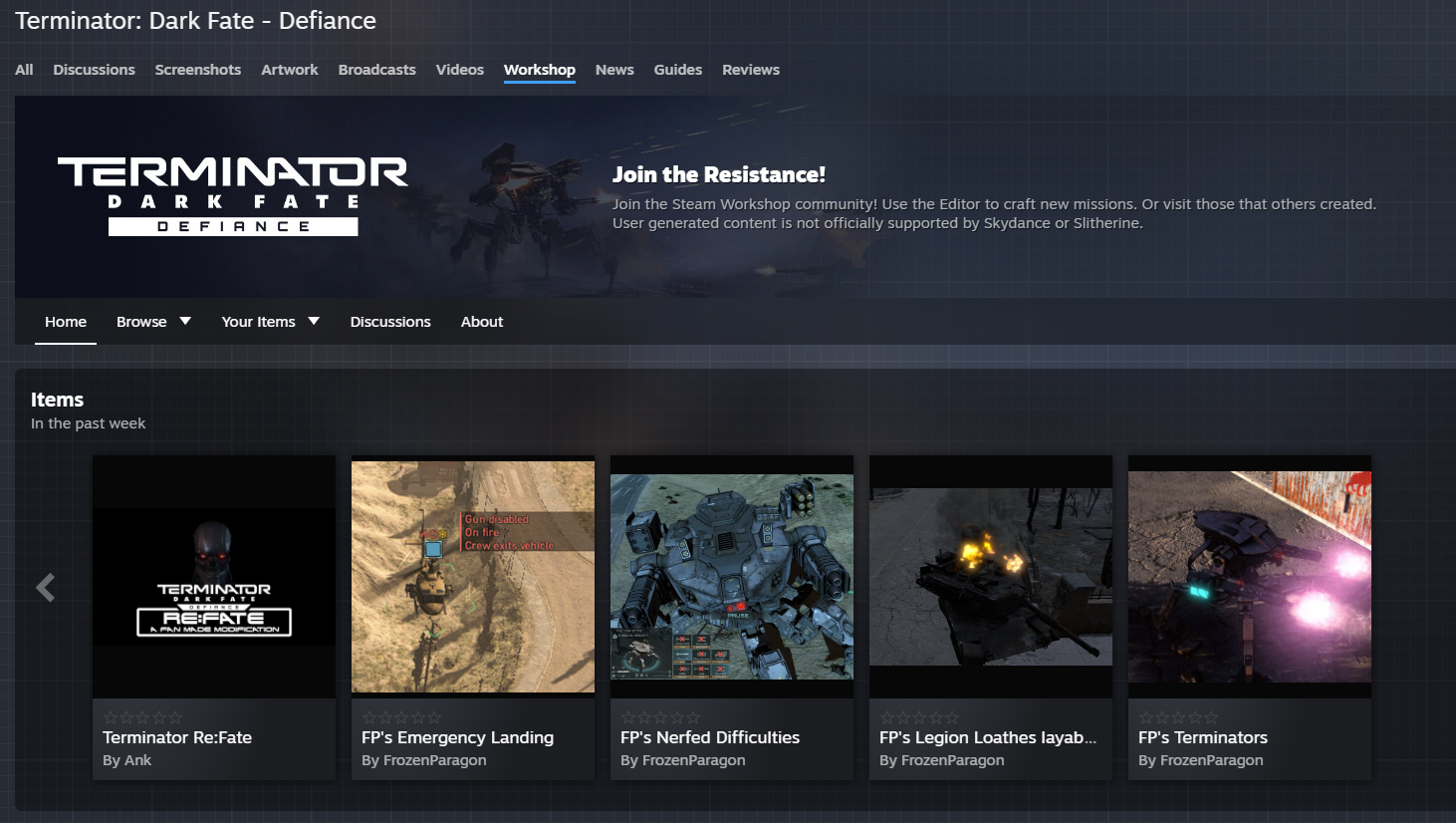 Steam Workshop Added
Once you have created and tested your map, mission or mod, you can share it with other players through Steam Workshop. The game includes a separate Mod Publisher tool, which allows you to select your completed mod, add a title, description and preview image, and upload it directly to Steam Workshop. You can initially keep your creation private for testing before making it publicly available. Once published, you can also upload updated versions of your mod to the same Workshop page, allowing you to continue improving and expanding your creation.
The update is being released on Thursday 10th December 2026, so please do watch out for it, and hopefully you will be able to create some new adventures for the Resistance (or for Legion!).
See you on the battlefield.