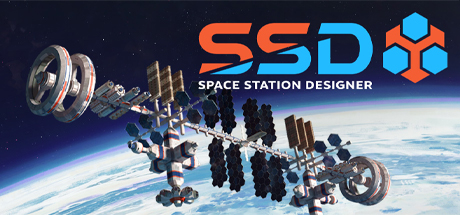
Welcome to the nineteenth Dev Diary entry of 'Space Station Designer'! In the last three entries (Dev Diary #16, Dev Diary #17, and Dev Diary #18) we took a deep dive into the Lunar Space Elevator. Last night, we sent the Gold Master to our Producer at Slitherine, so now it's a good time to reflect on this long development journey in preparation for the final release date on November 18th!
How it all started
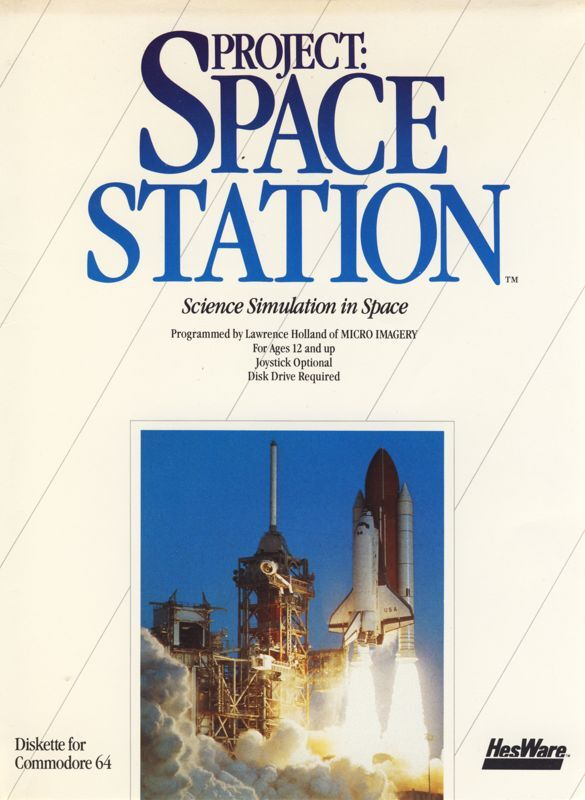
A few months after we published the iPad version of Buzz Aldrin's Space Program Manager (BASPM) in March 2015, we started working on the concept for a game that would pick up where the first game ended (i.e., with the Moon landings). Following the path that space exploration took in the 1970s, we agreed that the focus should be on space stations and orbital outposts. However, we realised that such a game wasn't really a good match for the 'formula' we used for BASPM, which consisted of improving hardware through R&D, training astronauts, and scheduling multi-step missions. Instead, this next game would feature its own set of mechanics and, more importantly, it would try to avoid certain aspects that made BASPM a bit rigid in terms of gameplay.
During the initial planning stages, we drew inspiration from several sources, including books, technical publications by NASA, and videogames from the 1980s and 1990s. If you're interested in the details, we covered these sources of inspiration at length in Dev Diary #14 and Dev Diary #15.
Development Environment and Tools
Given our existing familiarity with Unity from BASPM, we decided to continue using the same game engine for Space Station Designer. We started with an early version of Unity 5 back in 2015. During this very lengthy development period, we went through every instalment from Unity 2017 to Unity 2022, until we settled into Unity 6. The Gold Master was built using Unity 6000.4.11f1, so a pretty big delta!
The various engine version upgrades along the way were always straightforward, with the sole exception of when we migrated from the built-in renderer to the Universal Render Pipeline (URP). If we were to start a similar project today, we'd probably adopt a different approach, but back then Unity was the best choice for us in terms of tooling, and we're very happy about our decision.
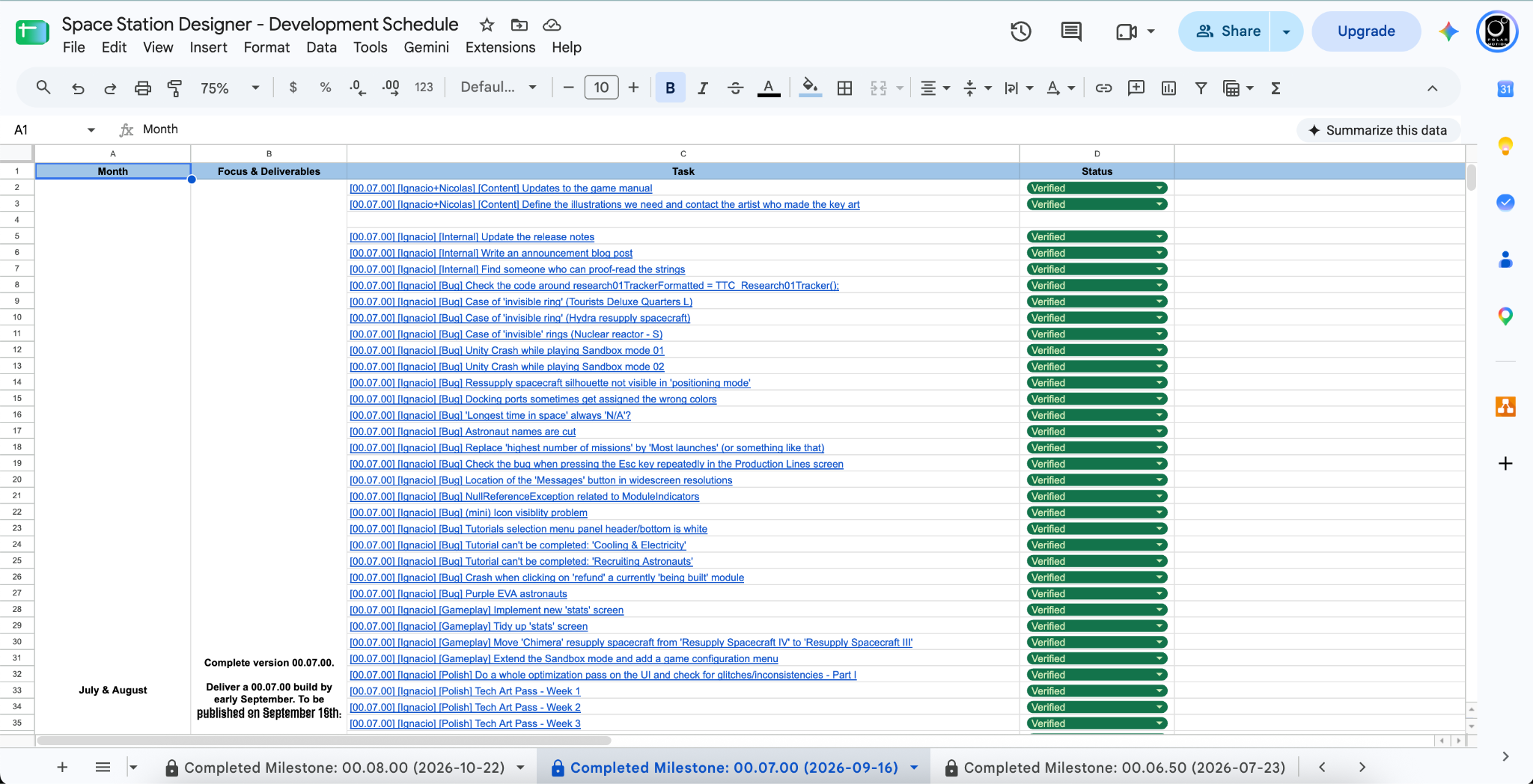
Since we're a very small team of three, we're relatively lightweight in terms of processes: We mainly use Trello for passing tasks back and forth and, about a year ago, we created a spreadsheet to make it easy for us to get a better overview of the large picture.
This is the current status of our Trello board (mostly empty, and you can get a glimpse of our plans for our first update):

And this is a screenshot of our spreadsheet that corresponds to the 00.08.00 build that we released a few weeks ago:
As we got closer to the Gold Master (GM) delivery date, we became more and more focused in terms of what to do and what to leave out for future updates. Luckily, we ended up delivering a final GM that has way more content, gameplay features, and QoL improvements than we had originally planned for. We have tons of ideas on how to make the game better, and we're really curious about your thoughts. Once the game is out, please don't hesitate to swing by the forums and share your feedback with us.
Version Control Archaeology
Back in the day of Buzz Aldrin's Space Program Manager we used a version control system named Subversion (SVN). Since we were already familiar with it, and we were (and still are) a small team, we decided to continue using it throughout the development of Space Station Designer. Similar to the game engine choice we discussed earlier, if we were to start a similar project today we may adopt a different version control system, but SVN served us well.
If you're curious about stats, the first commit happened on December 6th, 2015, and the revision number we used for the final version that we sent last night was 9343. That's close to 4000 calendar days, so an average of 2.33 commits per day. Not bad for a side project!
 Development Process
Obviously, the development of Space Station Designer started way before LLMs and Generative AI were a thing. After some initial poor experiences with GenAI tooling in 2025, Ignacio gave Codex another go about a month ago and found it very useful to help him troubleshoot some issues and help with the integration of the APIs required by the various online stores.
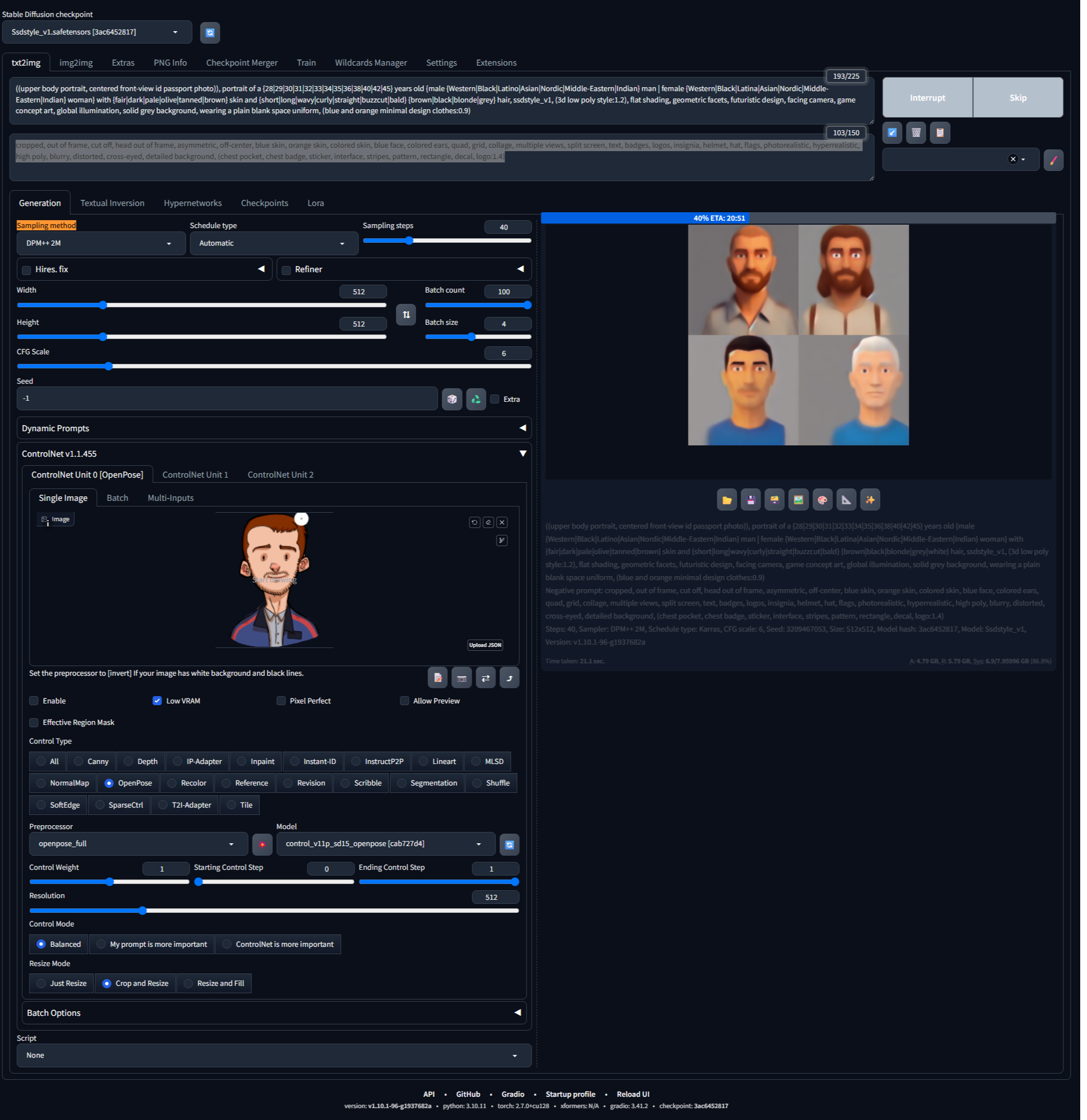
When it comes to the space station modules and the UI artwork, all these were created 'by hand' by our 3D and UI artist Mauricio. That being said, we trained our own local model with DreamBooth and Google Colab. For this training, we used screenshots of our own space station modules and resupply spacecraft, along with the initial 'cartoon style' astronaut portraits we had in the early versions of the game. This local model allowed us to generate a large volume of portraits, which are the ones we've added in a previous update earlier this year.
 Since neither of us are native English speakers, we also used GenAI (Codex, specifically) to scan all our string files in search of typos, grammar issues, etc. This helped us enormously, as Space Station Designer features nearly 5,000 strings and 84,000 words. Codex found several issues, which we addressed, and this allowed us to ship a much more polished final product than it would have been possible otherwise.
Additional Illustrations
A few months ago, we hired Eugene Filimonov (Portfolio) as a contractor to help us resolve a series of very specific problems around technical art, illustration, and user interface. Eugene has more than 20 years of experience in games and film production, and during his professional career he’s seen it all. We asked him to share some details behind the workflow he used for generating the illustrations used in the 'synopsis' screen when starting a new game. Please see below:
“Each illustration had a clear brief defining what needed to be shown. My first task was to come up with a composition that worked for the given subject. I started most illustrations with a rough blockout of the environment. This allowed me to establish the composition, proportions, and placement of the main elements before experimenting with lighting and colors.

Not every illustration started with a 3D blockout, though. For example, for city illustrations, I simply painted rough shapes to indicate where things should be, such as trees, walls, buildings, and other elements. This was enough to help AI understand the basic structure of the scene.
I used AI mainly to speed up the initial coloring of environments and objects. By providing a prepared sketch with an already established composition, I could significantly limit the AI's freedom to invent or change what was actually depicted.
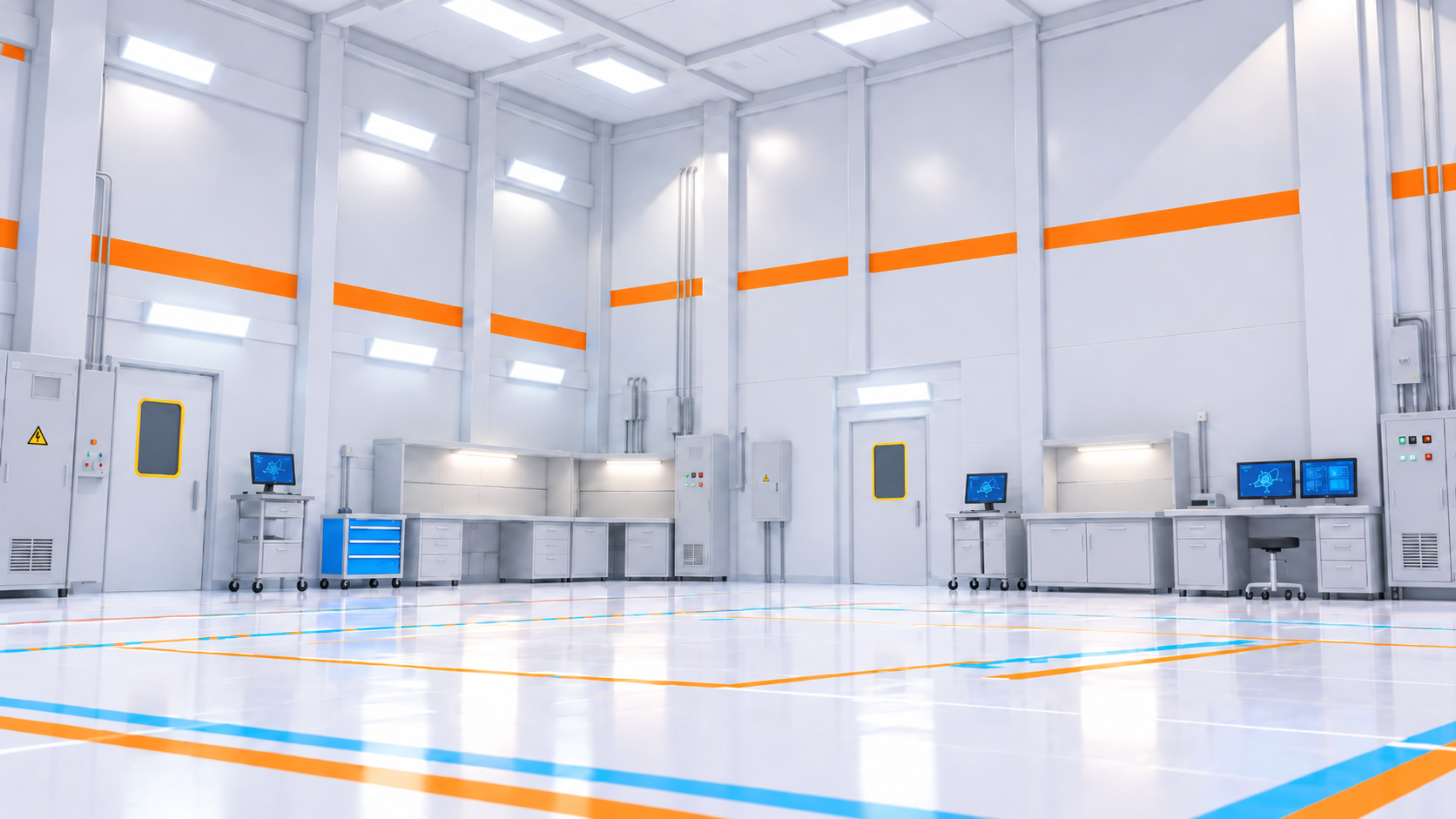
Essentially, the creative decisions about what to show and how to arrange the scene were made beforehand. AI was mostly used for the repetitive work of applying rough colors and exploring different visual treatments.
Some individual objects used to populate the environments were generated directly from text prompts, simply by describing what I needed.
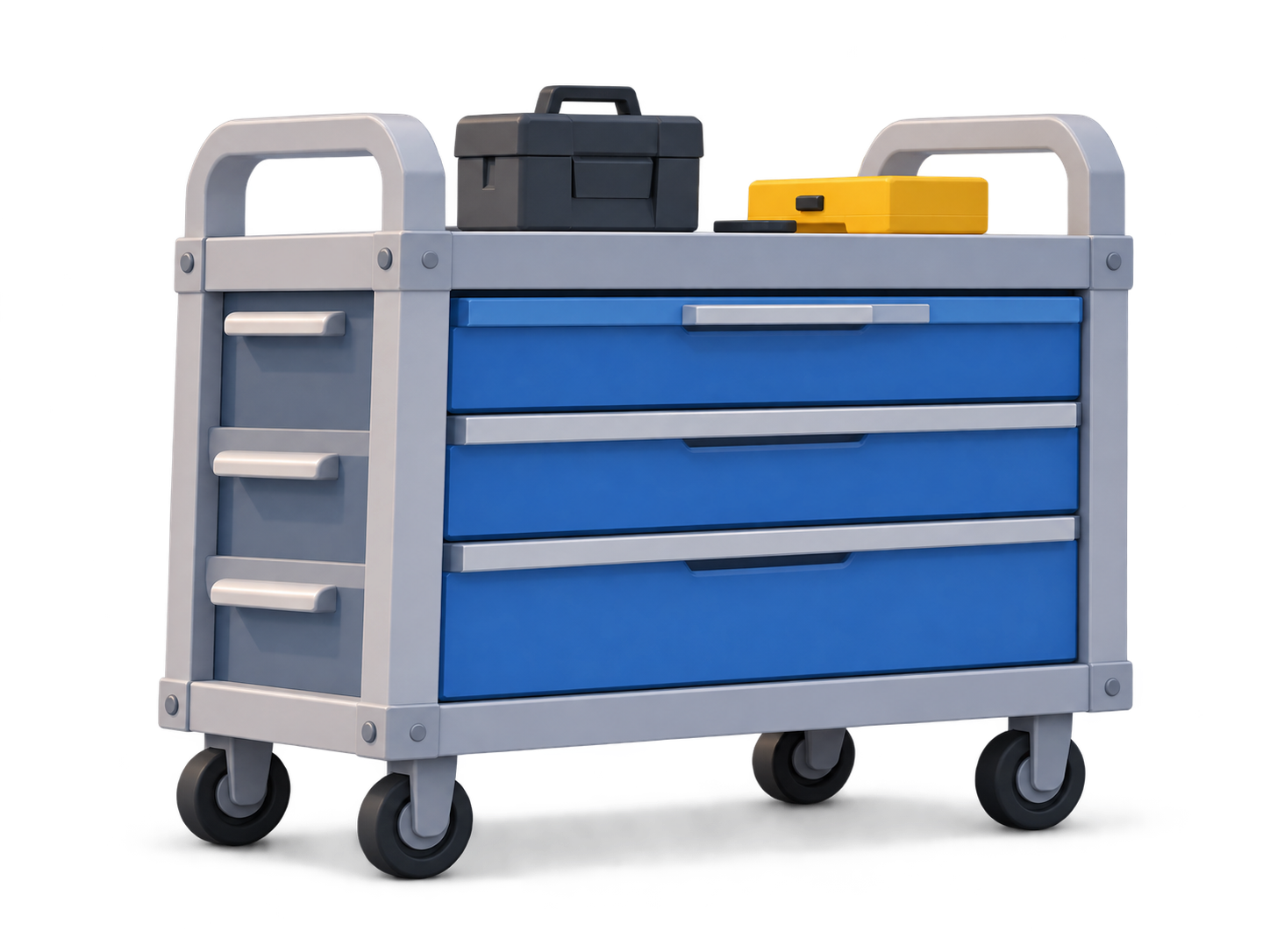
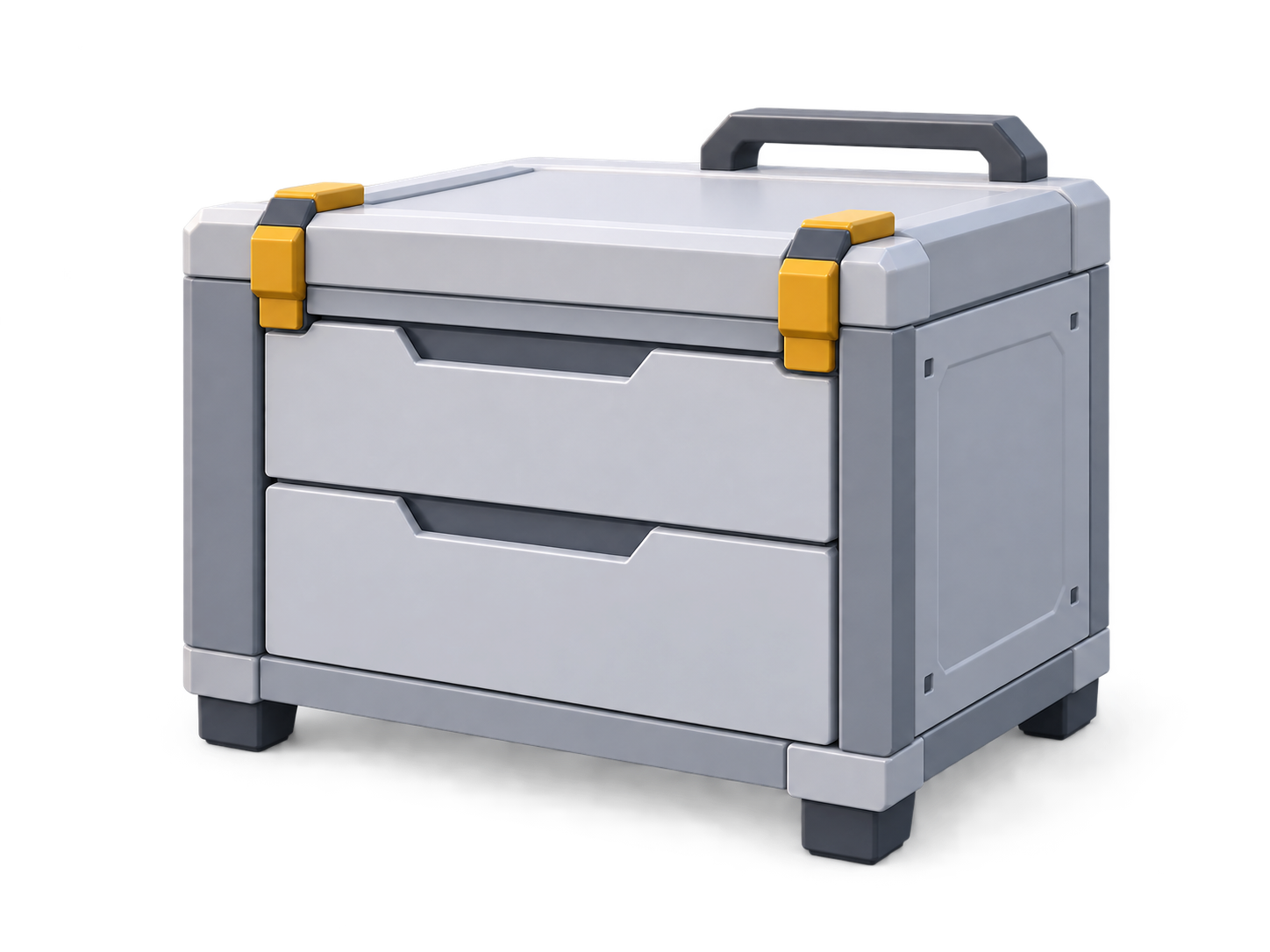
My goal was usually to get a result that was at least 70% satisfactory. I didn't need AI to produce a perfect image. If a particular area didn't look right, I could generate that part separately and composite it into the illustration in Photoshop, or simply paint over it manually.
Of course, some elements were difficult to generate, and I couldn't always get even a 70% satisfactory result. But in certain cases, I realized that cleaning up and painting over an imperfect image would be much faster than spending more time trying to get a perfect AI generation.
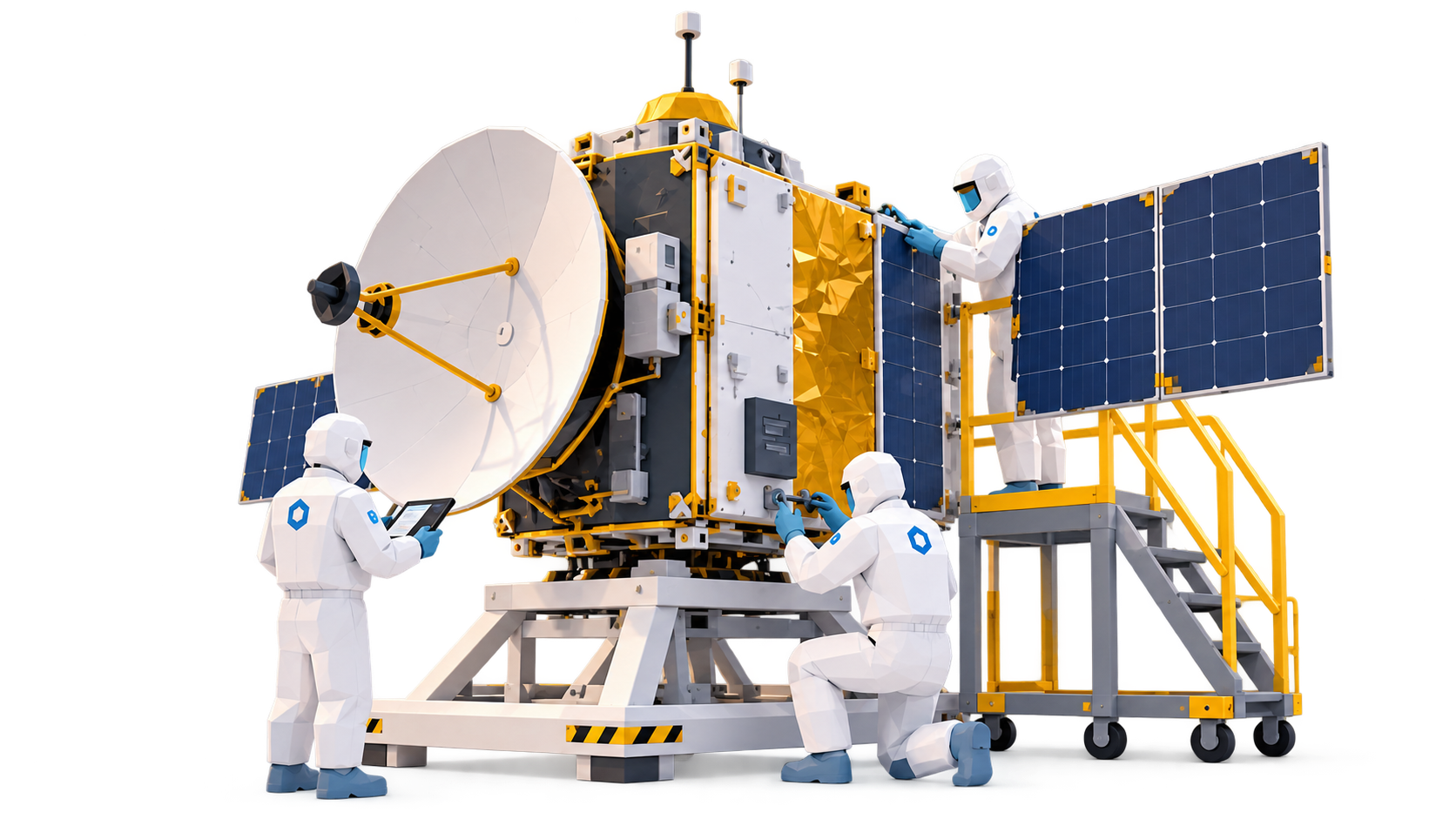
So sometimes I simply took the generated image into Photoshop and finished it manually, correcting problematic areas, removing AI artifacts, and painting in missing details. The satellite composition is a good example of this approach.
In some cases, I was able to start from an existing 3D in-game scene. In those situations, I simply took a screenshot and worked on improving the image. Some parts were generated separately with AI and integrated into the composition. This was the approach I used for the rocket illustrations.
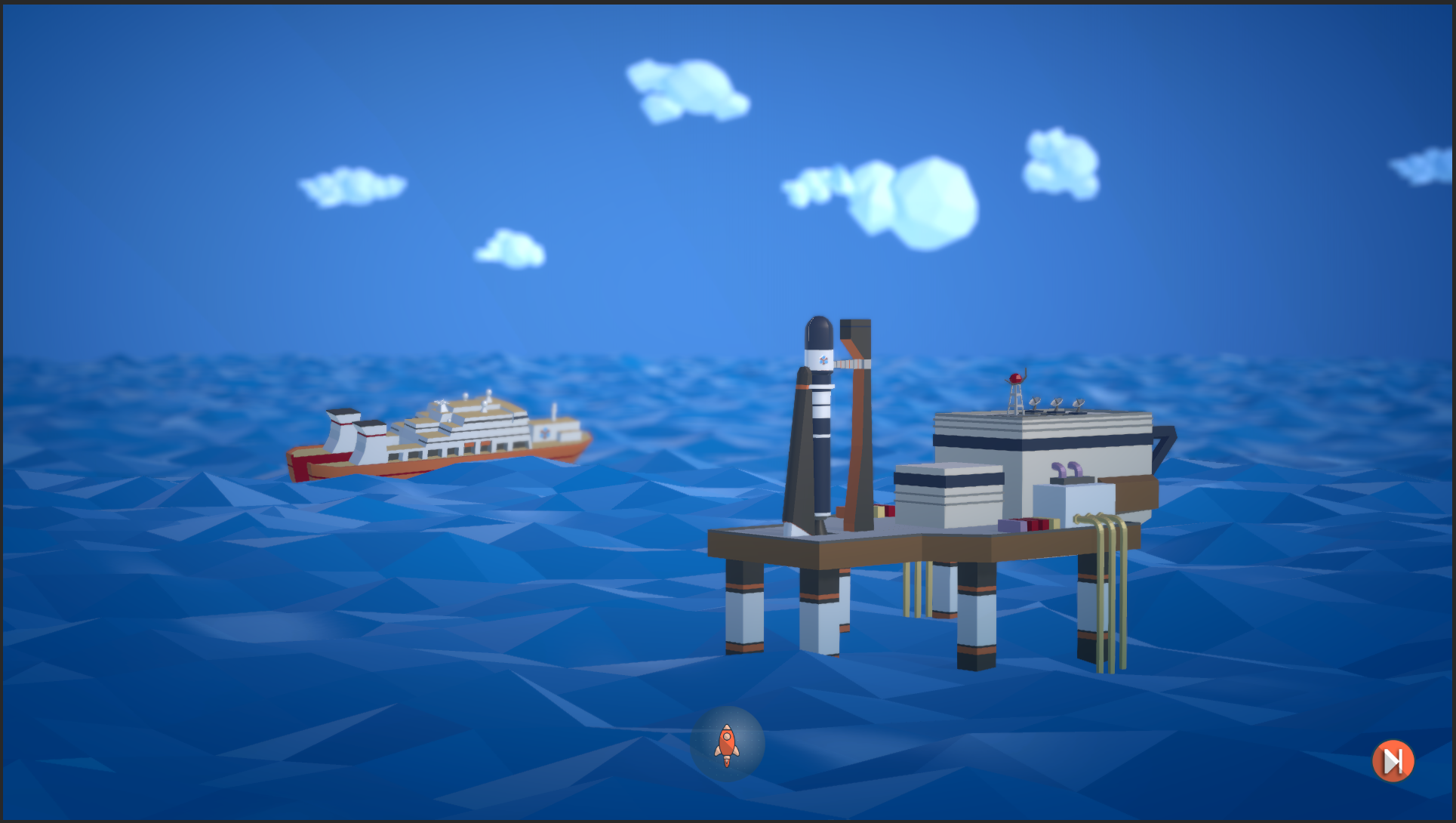
The final stage was a separate lighting and polish pass. I adjusted the lighting where necessary, enhanced certain areas, refined the colors, and added depth of field (DOF) where it helped the composition.
You can see the final illustration below:

Final Thoughts
The development of Space Station Designer has been a very long journey, and we're very happy that it's actually going to see the light of day soon. Space Station Designer will be coming out next week (November 18th). If you like space stations and/or management games, we're sure you'll like it.
Thank you for being part of this journey with us. Don't hesitate to let us know your thoughts in the forums so that we can decide where to take this next.
See you on the 18th!
--Ignacio, Mauricio, and Nicolas (Polar Motion)