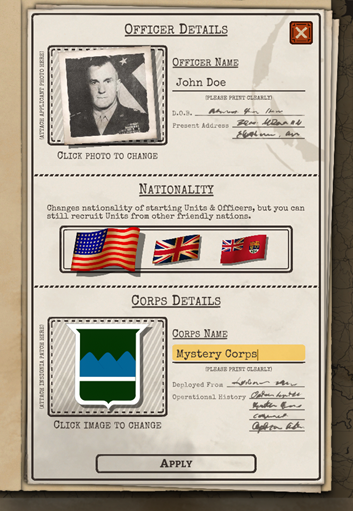
Upon starting a new campaign, you first create a fictional officer, choose a country and create a fictional corps. Your country determines your initial division, however you can recruit units from any of the three Allied countries (U.S., U.K. & Canada).
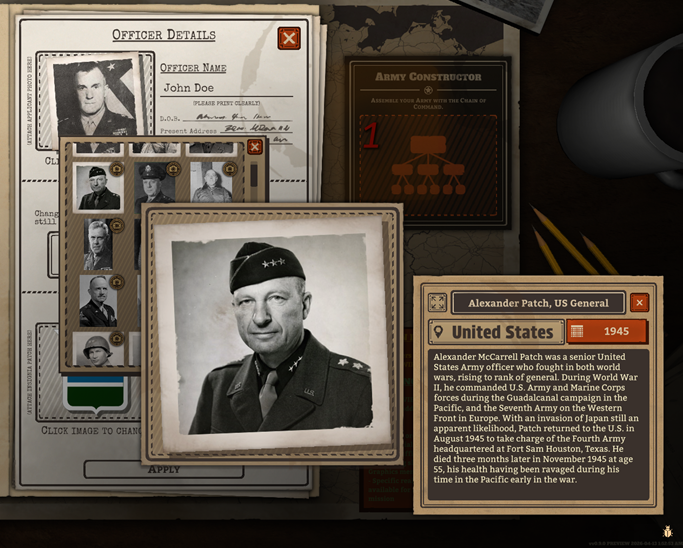
Battleplan uses real-world officer photos, with most photos having associated background research of who they were.
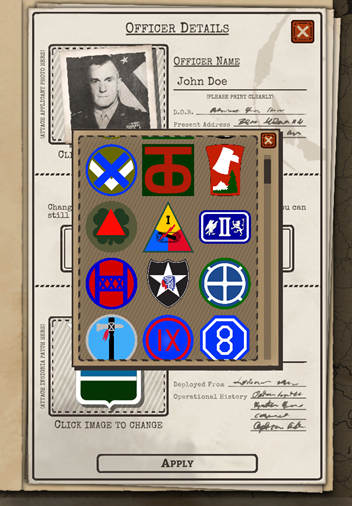
You can select division/corps insignia from any country. You can place your own custom officer photos, division patches & historical document photos inside specific folders for modding.
Divisions
Before the first tutorial you receive your first infantry division for free. By default your infantry division contains infantry, anti-tank guns, artillery, engineers, anti-air guns and multiple headquarters.
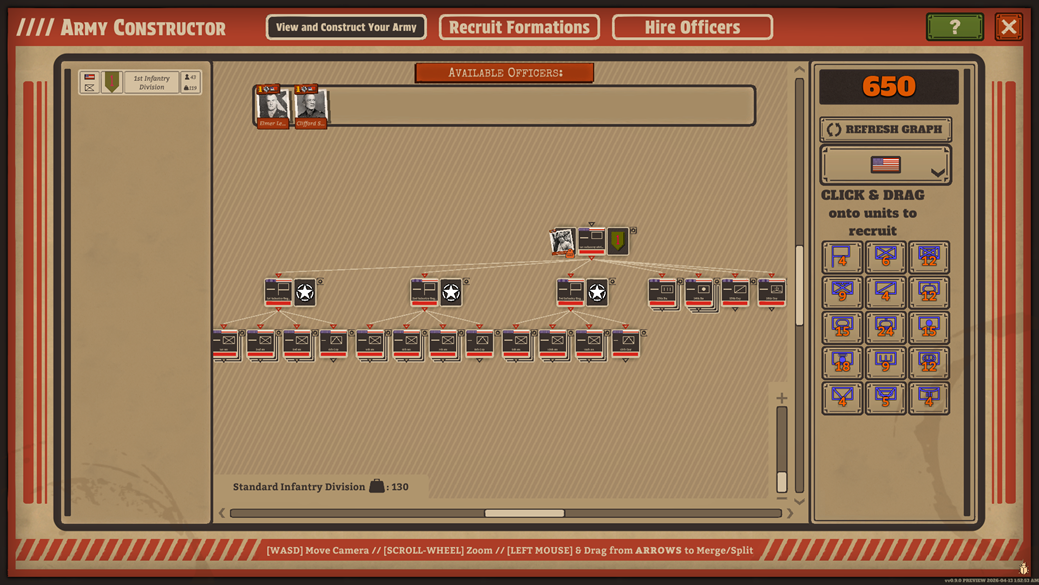
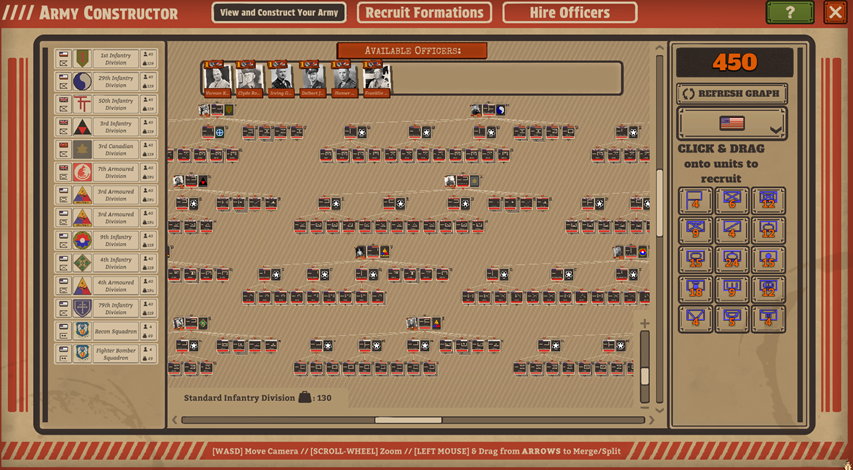
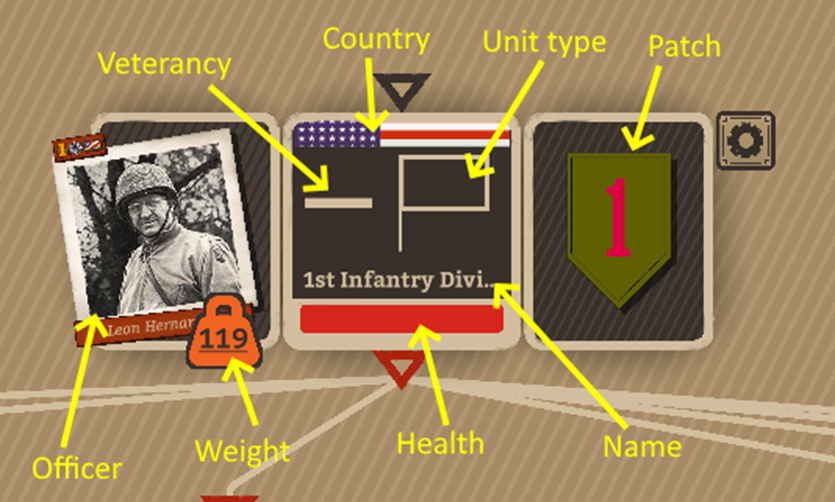
The topmost headquarters is your divisional headquarters (anotated below). It displays the total LOGISTICAL weight of the formation. Each mission specifies the total WEIGHT that can be deployed. Ex: The mission allows for 450 WEIGHT. You can field multiple three divisions of 150 weight each, or ONE large corps of 450 weight.
Each formation MUST be led a headquarter with an Officer. See the previous dev diary on Officers.
By default, an infantry division contains three infantry regiments (pictured below). Each regiment can have its patch & name customized. The NUMBER of companies within a battalion is displayed as additional stacked squares (note the infantry battalions below having THREE companies each).
You can add/remove companies to a battalion using Requisition (currency used to purchase new formations).
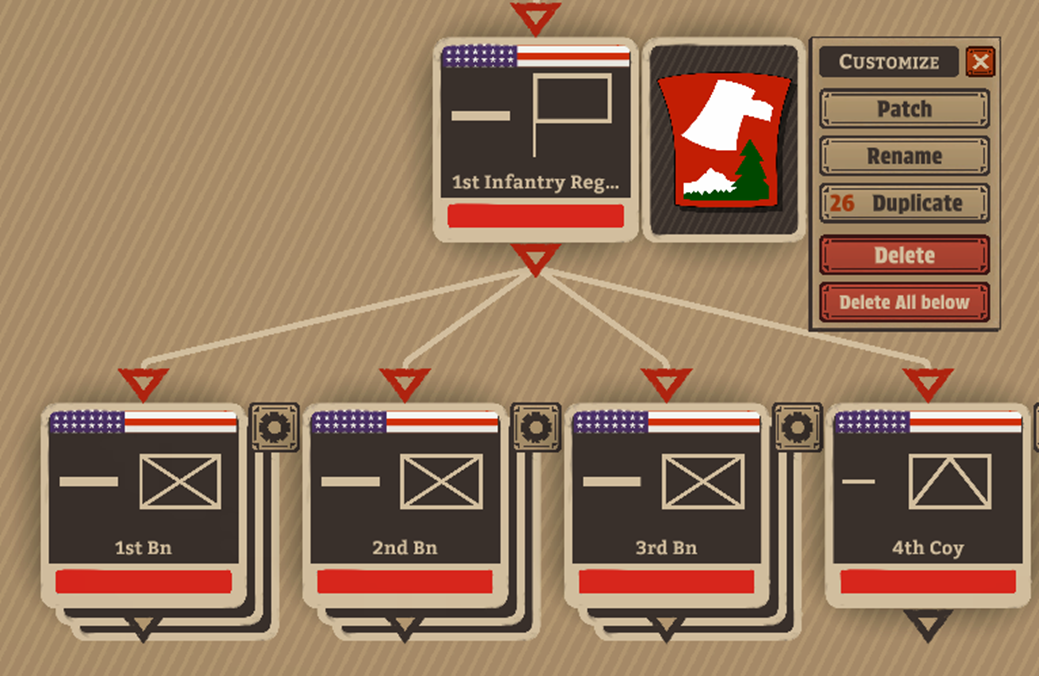
You can freely restructure your units ANY way you like by simply dragging on connecting white lines to (dis)connect units. Regiments are useful for in-mission orders like Regimental Plans, which splits your division based on regiments.
Recruiting
There are two ways to recruit additional units to your corps/army group. Both involve spending REQUISITION, which is earned by completing missions.
Historical Divisions
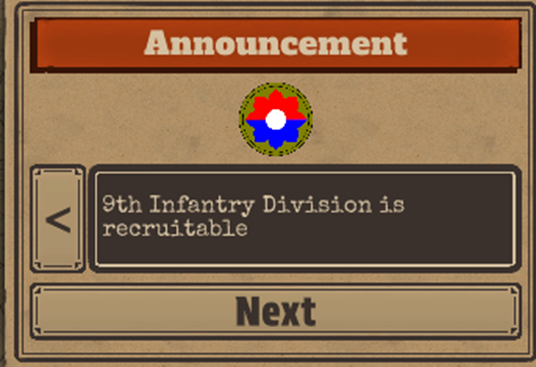
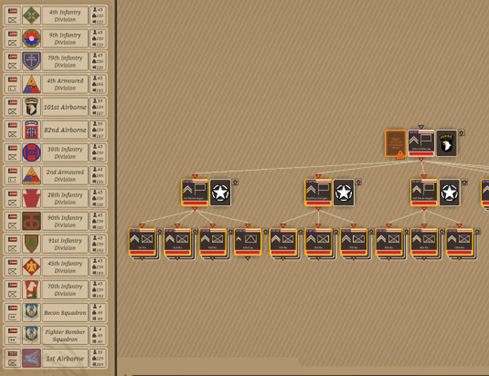
After completing a mission, historical units that were actually present in the mission become recruitable. As you complete missions, historical divisions that were present in will become available to recruit into your corps/army group. Additionally their historical commanding officers become recruitable as well.
Custom Divisions
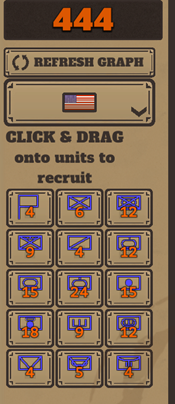
You can construction fully custom formations using a simple drag & drop interface.
Recruiting Officers
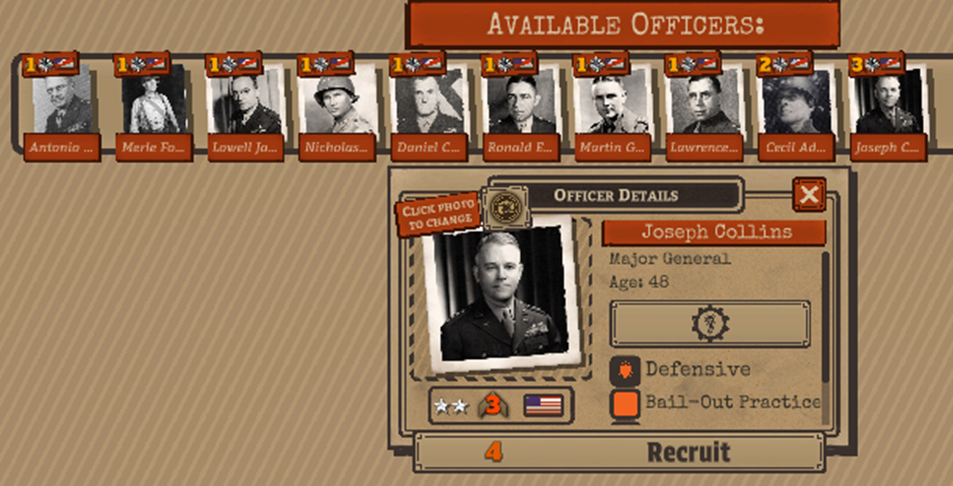
You’ll need to recruit officers to lead your formations (each formation MUST be led by an Officer slotted inside a headquarters company). The recruit officers panel (art is WIP) lets you recruit a variety of Officers. Low-level officers cost no requisition to recruit (there’s no shortage of officers to promote). However higher-level officers cost requisiton based on their level. Higher-level historical officers are available after completing the mission they first appear in.
Battleplan gives you complete control over how to play. You can use completely historical divisions & officers. OR you can create custom formations with customizable names, insignias and structures, along with customizable Officers. The choice, is yours.